Collect sign-ups, build the itinerary, share the packing list, line up the cars, assign the rooms, collect the fees. Everything that used to be scattered across chat apps now lives on one screen.
Away trip management and camp management are added from your club features.
The night before a trip, the same questions fill a coach's phone.
"What time do we meet?" "How many cars are coming?" "Does my child need a packed lunch?"
Search, reply, get asked again.
All of it would be solved if everything were written in one place.
Away trip and camp management in NEWDIH APP turn sign-ups through fee collection into a single flow. What you enter becomes the handbook itself, and parents who don't use the app can open it from a share link.
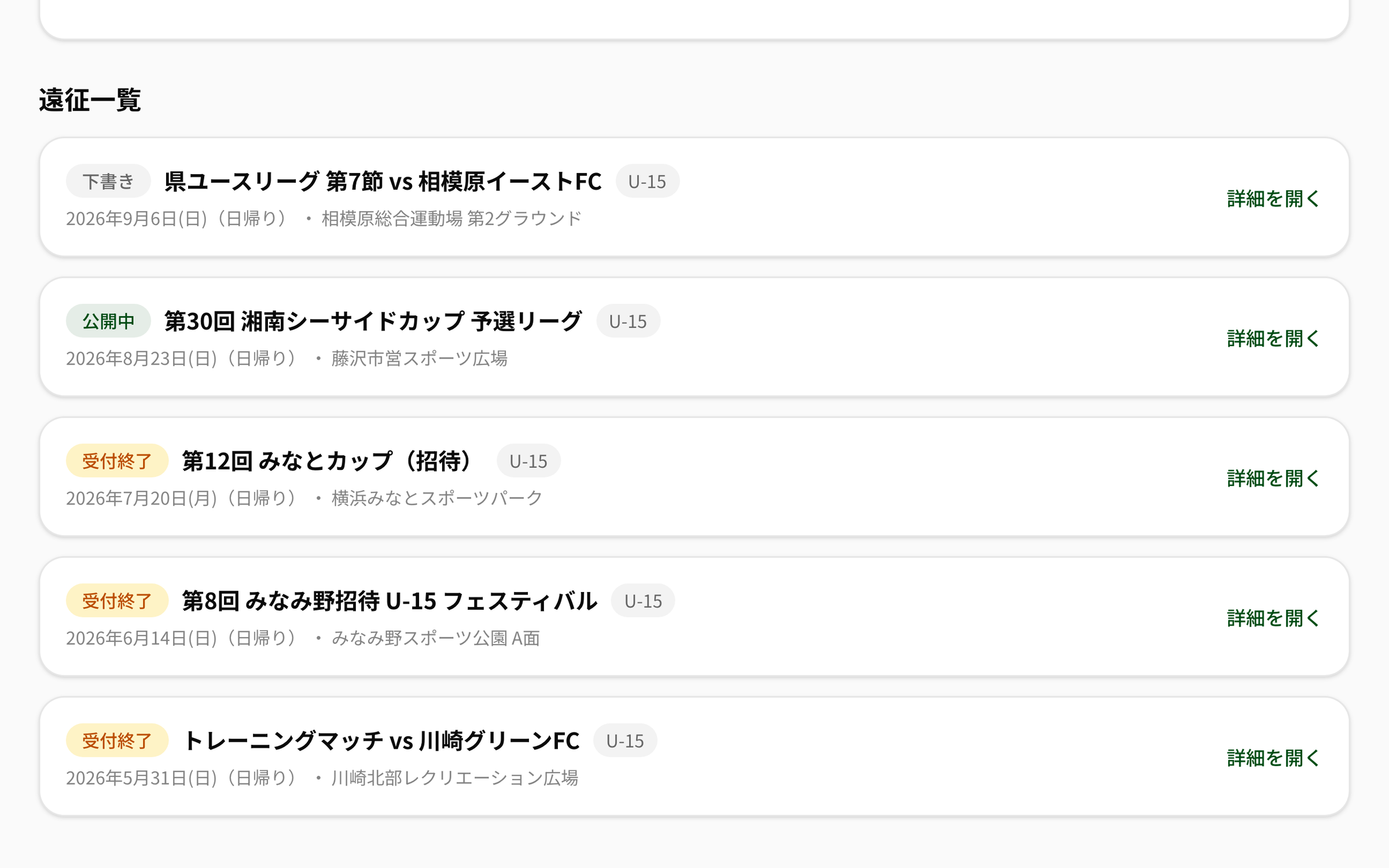
Enter the name, destination, dates, meeting point, response deadline and fee, then publish — the players and parents on that team are asked to reply. Day trips and overnight tournaments follow the same flow.

Away trip list (actual screen)
Stack rows of time, activity, place and notes and the day's schedule takes shape. Leave the time blank when it isn't fixed yet. Packing items can be marked required or optional.

Editing the itinerary (actual screen)
Parents answer "I can drive / I can take ◯ people" along with their attendance. The total offered seats against the number attending is right there, so you can act early on the days you're short.

Offered cars and vehicles (actual screen)
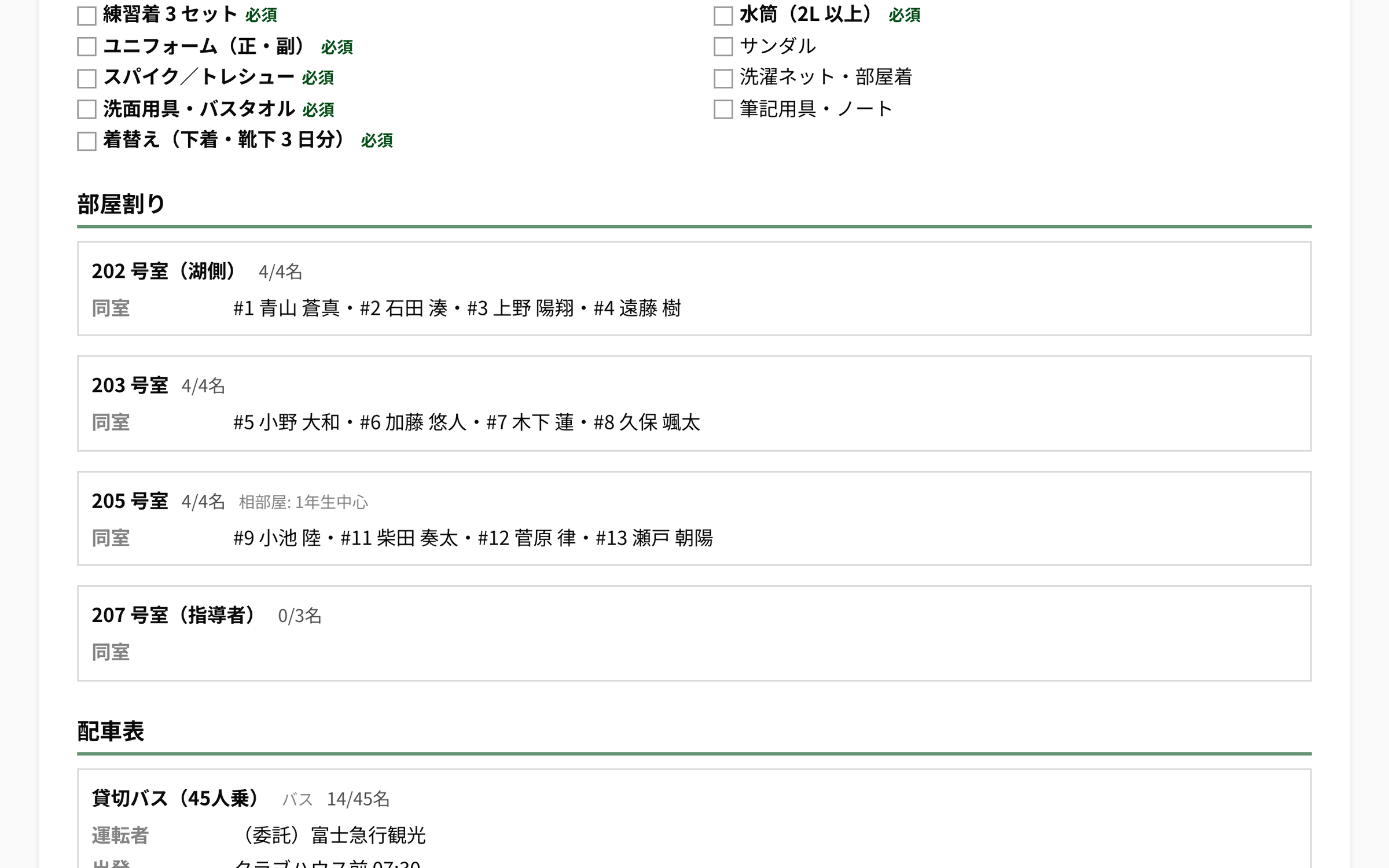
Camp management is a separate module from away trip management. Register the lodging name, address, phone number, check-in/check-out times and meal plan, and build the itinerary day by day — day 1, day 2, day 3.

Camp rooms and carpool sheet (actual screen)
What you entered becomes the handbook. Print it and hand it out, or issue a share link so parents without an account can read it.

The handbook on a share link (actual screen — what parents see)
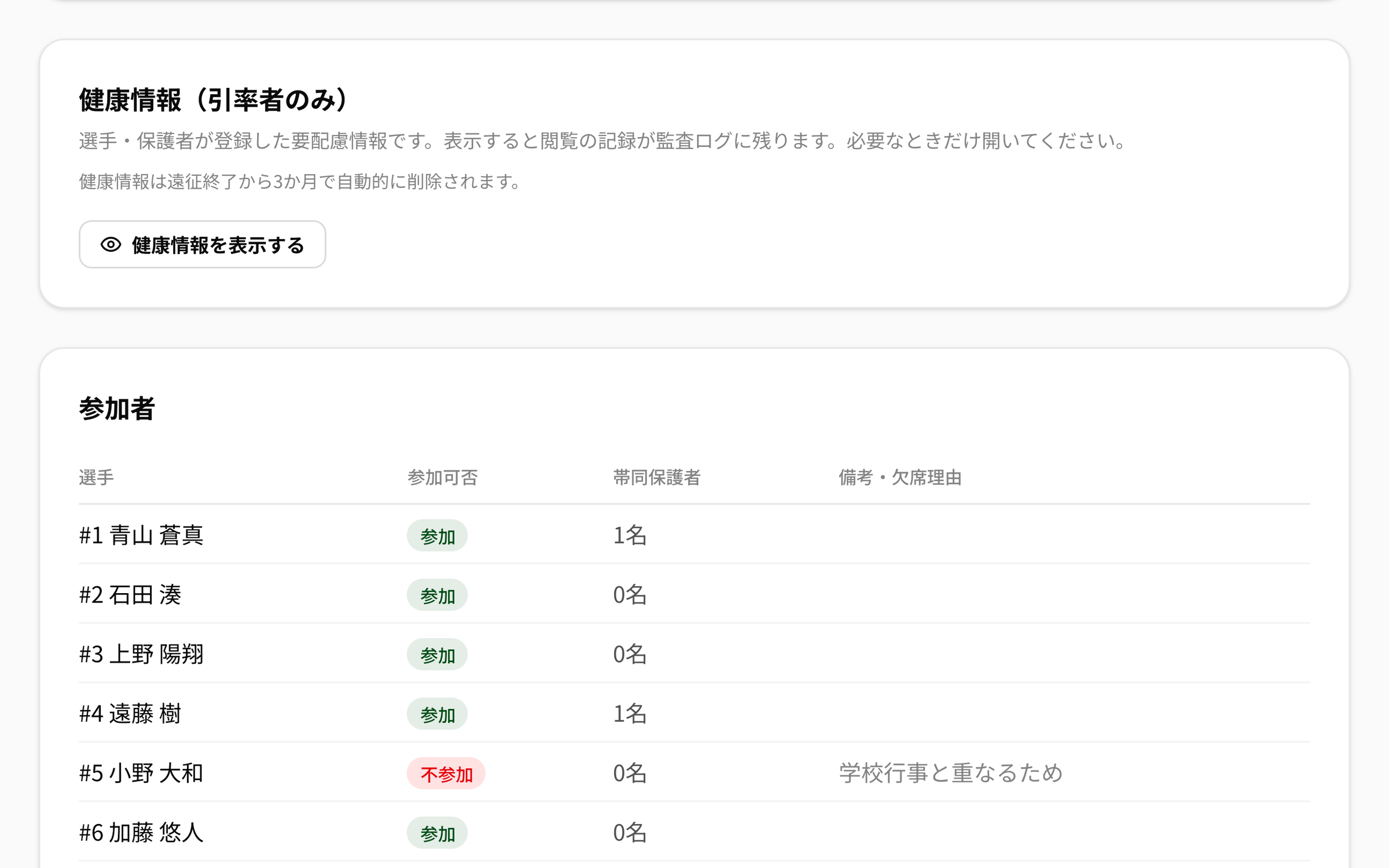
Players and parents can optionally register allergies, regular medication, chronic conditions and an emergency contact for the day. It is designed as sensitive personal information.
Registered health information is stored encrypted.
Only the coaches accompanying that trip and the club representative can view it. Accompanying coaches are chosen per trip.
Revealing it records who looked and when in the audit log, so you can keep it closed until you need it.
Health information is deleted automatically three months after the trip or camp ends. Nothing is kept beyond that.
When a trip requires a consent form, you can link a form registered in document management. Participants see a link to it on their screen, so "I thought we handed it out" disappears.

Health information (staff only) and the participant list (actual screen)
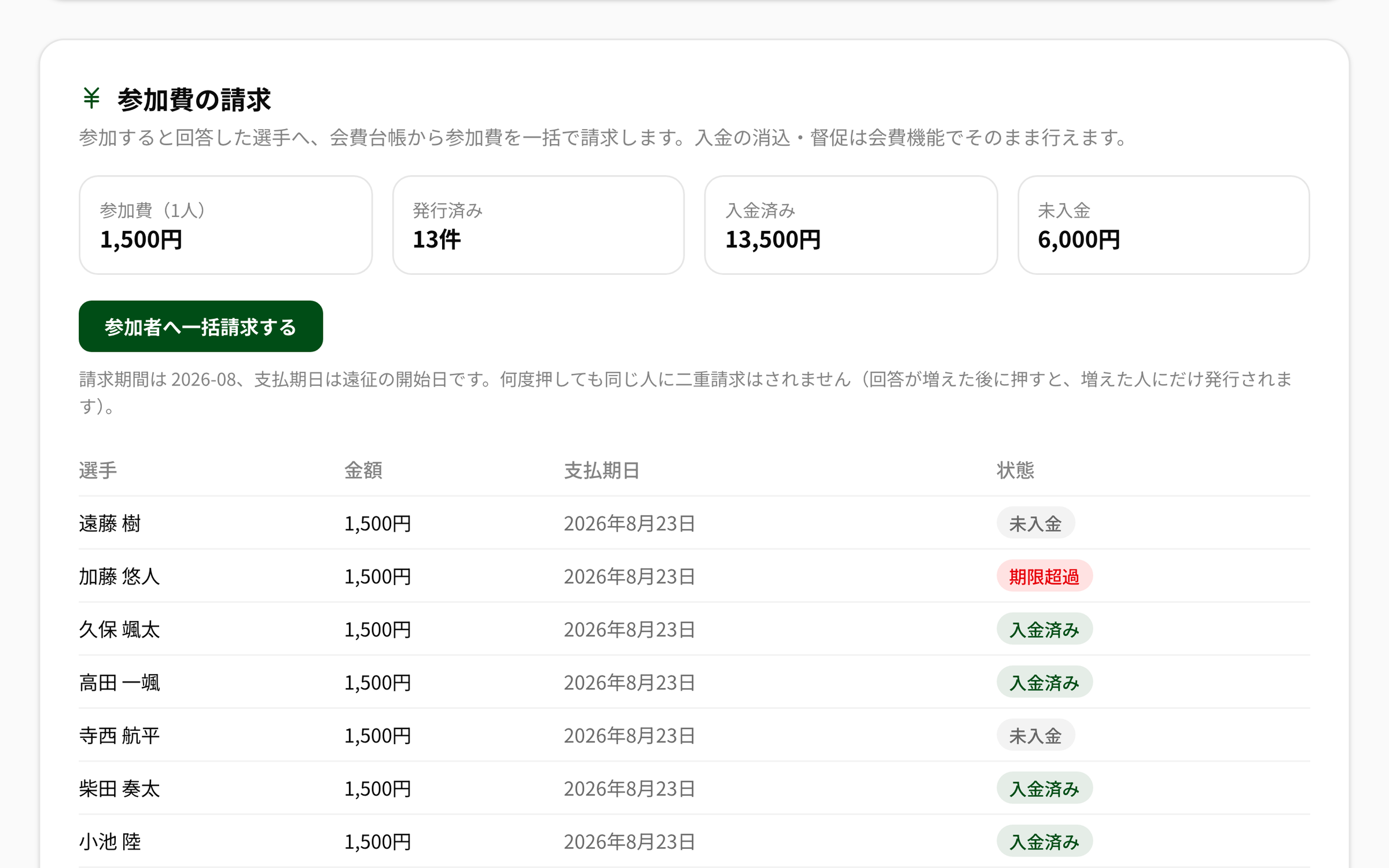
Players who answered "attending" can be billed for the trip fee in one go. The invoices land in the same ledger as monthly fees, so reconciling payments and chasing arrears happen on the usual screen.

Trip fee billing (actual screen)
Both away trip and camp management can be delegated by the club representative to the coaches in charge. The staff leading each age group can create and run their own trips. Only issuing the fee invoices additionally requires the fee-side permission.
Create the away trip or camp, enter the dates, meeting point, packing list and itinerary, and publish. Target the whole club or a single team.
Attendance, the number of accompanying parents and offered cars come in. Decide the carpools and rooms, and bill the fee if you need to.
Print the handbook or issue a share link. On the day, staff open the health information only when they need it.
Yes. They are separate modules. Day trips and short tournament travel use away trip management; residential training camps use camp management. Camp management adds lodging, room assignments and a day-by-day itinerary, which away trip management does not have. Both are added from your club features.
Yes. Issue a share link for the handbook and it becomes a URL readable without an account. Set the validity when you issue it, and revoke it whenever you no longer need it. Health information, the participant roster and the carpool sheet are never part of a share link.
Change their attendance to "absent" and the seat returns to the pool automatically. There is no need to rebuild the carpool sheet. The freed seat shows as remaining capacity, so you can rearrange riders on the spot.
No. Only the coaches named as accompanying staff for that trip or camp and the club representative can view it. Every reveal is recorded in the audit log, and the data is deleted automatically three months after the trip or camp ends.
Of course, but billing the fee through NEWDIH puts it in the same ledger as monthly fees. Reconciling payments, chasing arrears and reflecting them in the books all happen on one screen, so you stop rebuilding a spreadsheet for every trip.
When a trip is published they get an in-app notice and a push notification, and reply with their attendance. The number of accompanying parents and "I can drive / I can take ◯ people" are answered at the same time. Replies can be changed later.
Signing up is free. All you need is an email address to start today.