A coach joins with one email.
Enter the family name, given name and email address, and the invitation goes out on the spot. Whoever receives it joins the club with their own NEWDIH Passport, and from then on everything is recorded under their name.
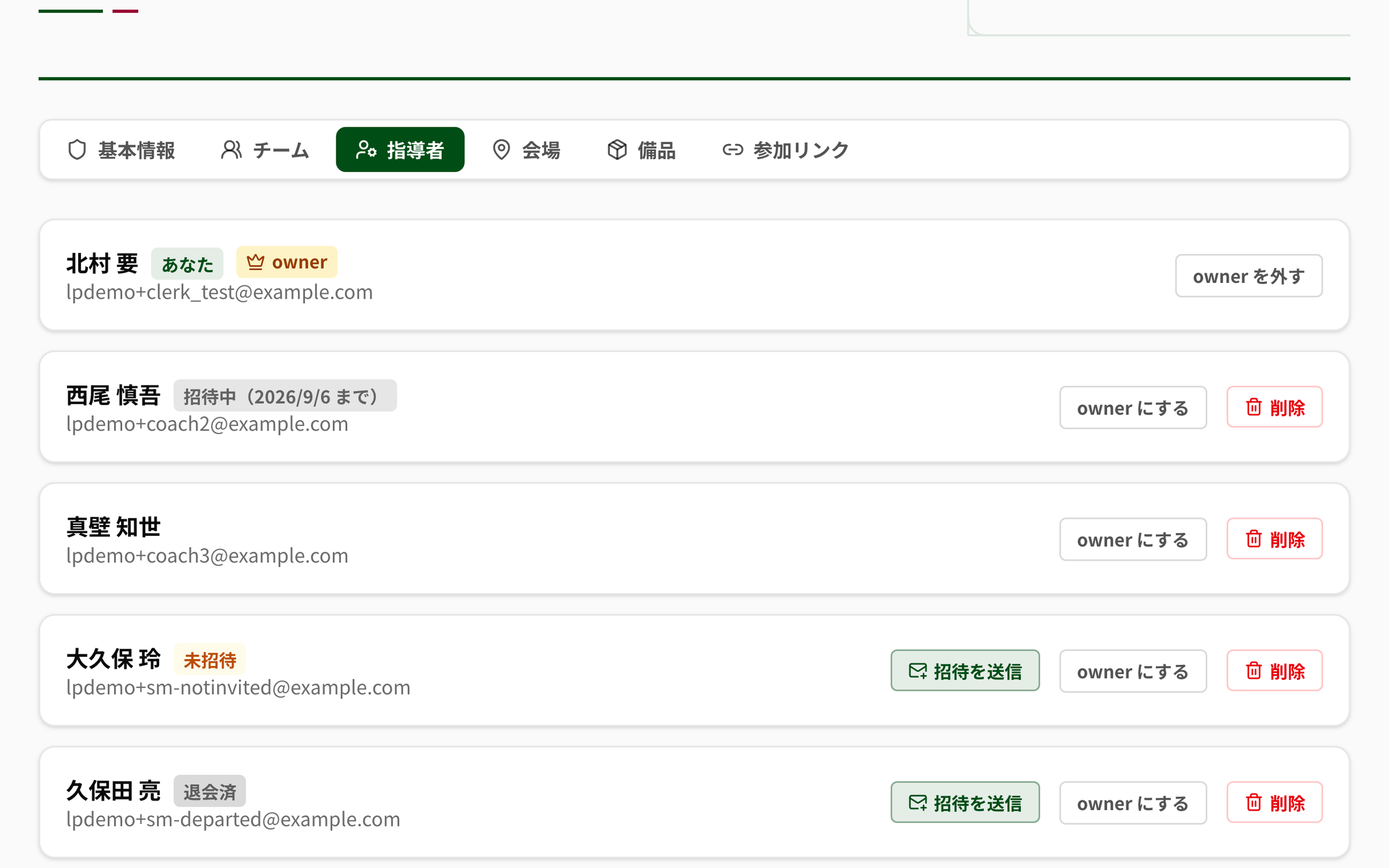
- ROLEThe owner, and everyone else. Only the owner can edit club settings and add or remove staff
- STATEThe app holds a coach in four states. In the list, everything but active carries a badge
- RESENDIf the invitation never arrived, send it again from “Send invitation”
- DELEGATEDelegate the club features you subscribe to, coach by coach. Choosing “Edit” turns on “View” automatically
- OWNERFees and anything to do with money stay with the owner and cannot be delegated
The status badges in the list (exactly as the app shows them)
- Invited
- Not invited
- Departed
Delegation has two levels (exactly as the app shows them)
- View
- Edit
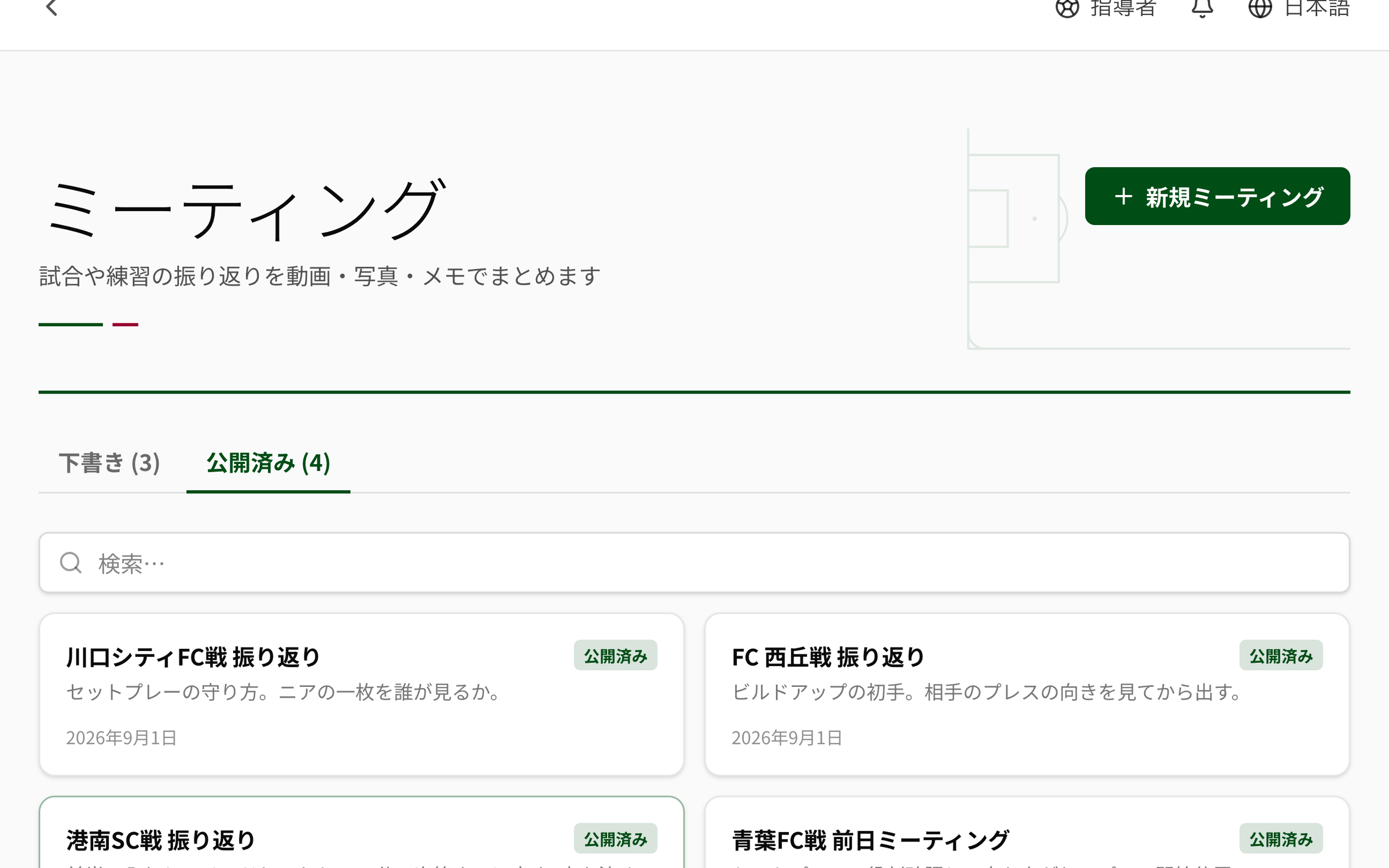
A meeting starts as a draft.
When you create it, it is a draft. You gather the items, and publish once it is in a shape you can show people. Tie it to a match or a training session and you can reach it later from that match’s screen.
- STATUSTwo: draft and published. Each tab shows its own count
- LINKTie it to a match or a training session (optional). The linked match sits above the meeting
- LIMITTitle up to 200 characters, description up to 5,000
- TEAMIt can also be a meeting for one team
- FINDFilter by title and description
The state of a meeting (exactly as the app shows it)
- Draft
- Published
An agenda is built from five kinds of row.
You stack the rows from the top down. Each row takes a line of comment, and the order changes by dragging. What you type saves itself after a short pause, so there is no save button to hunt for.
- ITEMFive kinds go in. Video and photos come from matches and video analysis
- CLIPFor video, set a start and an end in seconds and show only that stretch
- LENGTHCaptions up to 500 characters, the body of a note up to 10,000
- ORDERReorder by dragging. Arrow buttons move rows with the keyboard alone
- SAVEIt saves itself a moment after you stop typing
What can go into an agenda (exactly as the app shows it)
- Video analysis
- Match photo
- Note
- Drill
- Match summary
Whoever receives it reads it without logging in.
The person you hand it to opens it without making an account. All they see is that one meeting — they cannot get inside the club. No sidebar, no other screens.
- OPENNo login. Only that one meeting appears
- FOOT“For the recipient only — do not forward or republish”, plus the days left and the view count, sit at the foot
- INDEXKept out of search engines (noindex)
- LIMITUp to 100 requests a minute from the same connection. Beyond that it declines for a while
- STOPRevoked, expired, limit reached, or put back to draft — which one it was shows on their screen